
Business systems kit
Enquiries & Clients
Track enquiries, plan follow-ups and prepare new clients with an 18-page guide, editable Excel tracker, six checklists, eight message templates and one intake questionnaire.
£29View guide

Simplify repeatable work. Keep decisions in human hands.
First Edition / 2026
ZIP kit: PDF, XLSX and TXT · 12 pages · Customer-library access after payment once this product is published. · Use within one business. Adapt the templates for your own work. Do not resell or redistribute the complete kit.
Secure checkout via Stripe
Instant access after payment · Secure customer library · Personal-use licence
Repeated administration consumes time, but adding AI or automation without a clear process can create more checking and correction. Start with a small workflow, explicit boundaries and evidence from representative tests.
A practical way to plan, pilot and review small business workflows with human approval.
After working through the guide, you'll be able to:
Find one administrative routine worth improving, map its input and output, set information and approval boundaries, and run a controlled pilot. The workbook includes a blank 100-record Workflow Register, a 50-test Pilot Log and separate fictional Examples. Attention flags support scheduled reviews. The pilot log records expected and actual results, outcomes and separate human approval. Six editable templates include six reusable prompt cards. These are planning resources: the kit does not connect apps, run automations or independently verify AI output.
Read five preview pages covering the kit contents, reusable prompts, workflow register and AI draft review.
Solo businesses and small teams who want to explore practical AI drafting and repeatable administrative workflows with controlled testing and human review.
This is a planning and review kit, not a connected automation service or software-specific integration course. It does not promise time savings, operate tools or certify outputs.
Requirements: ZIP extraction, PDF reader and Microsoft Excel or compatible spreadsheet software. Formatting and calculations may vary in other apps. Use the planning tools with services you choose; check current terms, settings and capabilities before implementation.
No. It supplies planning, testing and review resources. You choose and configure any services separately, checking their current capabilities and settings.
Workflow Register supports 100 records in rows 11-110. Pilot Log supports 50 tests in rows 11-60. Fictional Examples are separate from live work.
It means the test record contains the required details and your entered outcome is Pass with human approval marked Approved. It does not independently verify a result or change the workflow stage.
Six editable cards cover status updates, meeting notes, enquiry responses, working checklists, task notes and checking a draft for unsupported claims. Review all output against its source.
Start pilots with invented examples. Check your business requirements and the selected service’s current terms and settings before choosing permitted inputs. Exclude passwords, payment-card details and recovery codes.
No. The prompts and routines are designed for adaptation to your chosen tools. It does not provide product-specific instructions or guarantee output accuracy or time savings.
Map the routine, test representative cases and keep approval with a person.
12-page digital guide
Instant customer-library access
Secure checkout via Stripe · Immediate access after payment
Browse practical guides on everyday technology, AI, digital organisation and small-business tools.
Browse all guides →Get Enquiries & Clients, Files & Organisation, Communication & Productivity and Automation & AI together in the Small Business Systems Bundle.
Track enquiries, plan follow-ups and prepare new clients with an 18-page guide, editable Excel tracker, six checklists, eight message templates and one intake questionnaire.

Practical inbox, task, calendar and meeting routines with a 12-page guide, editable task and weekly planning workbook, six checklist pages and six text templates.
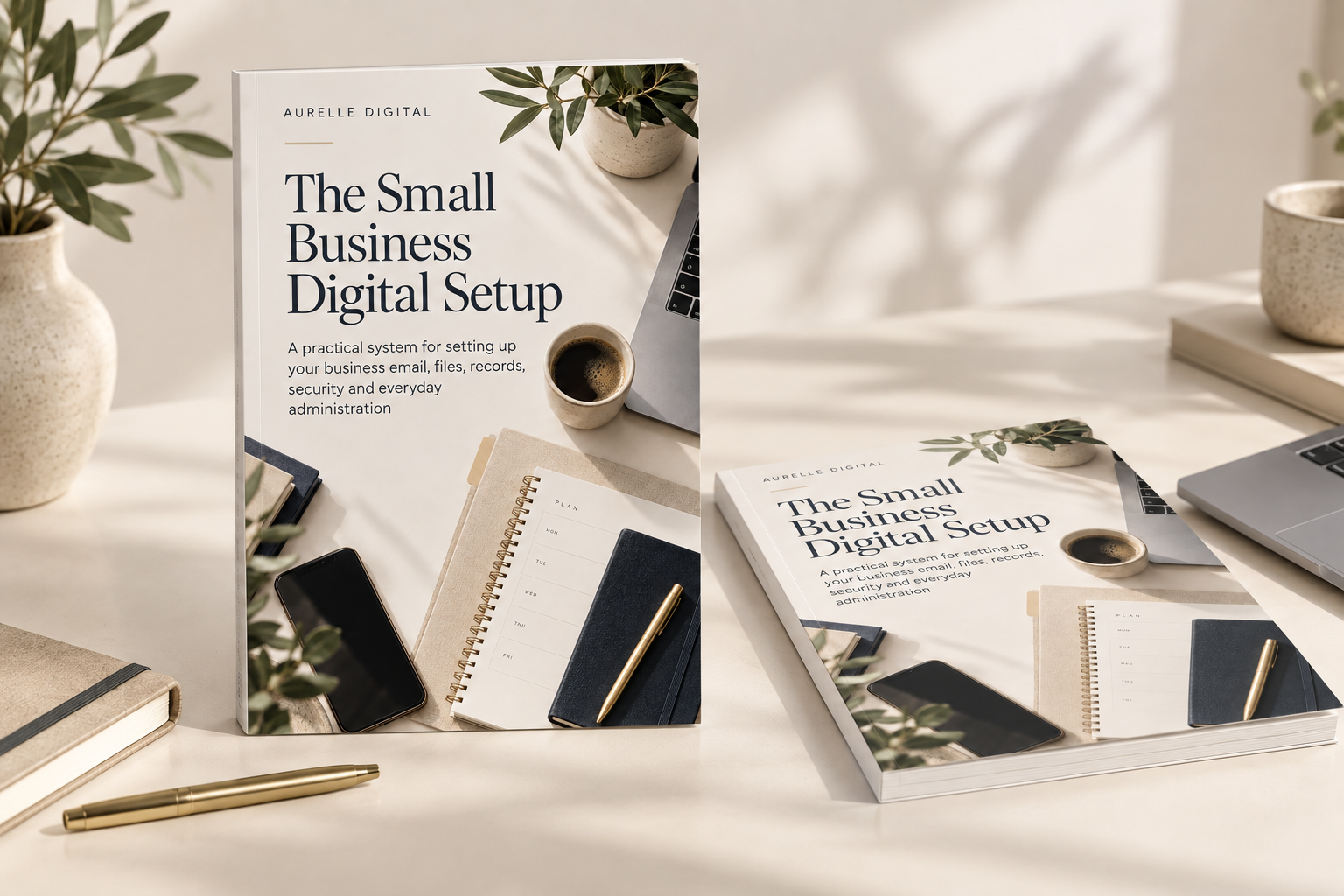
Build clearer business systems with a 27-page guide, editable workbook, six printable checklists and a ready-made folder starter.
We use strictly necessary cookies for basket, checkout and account. We only load Google Analytics if you allow it. See our Cookie Policy.