New to ChatGPT? 7 Things to Learn Before You Start
ChatGPT can look deceptively simple. If you're new to AI, these seven principles will give you a better starting point — from asking specific questions to checking unreliable answers.
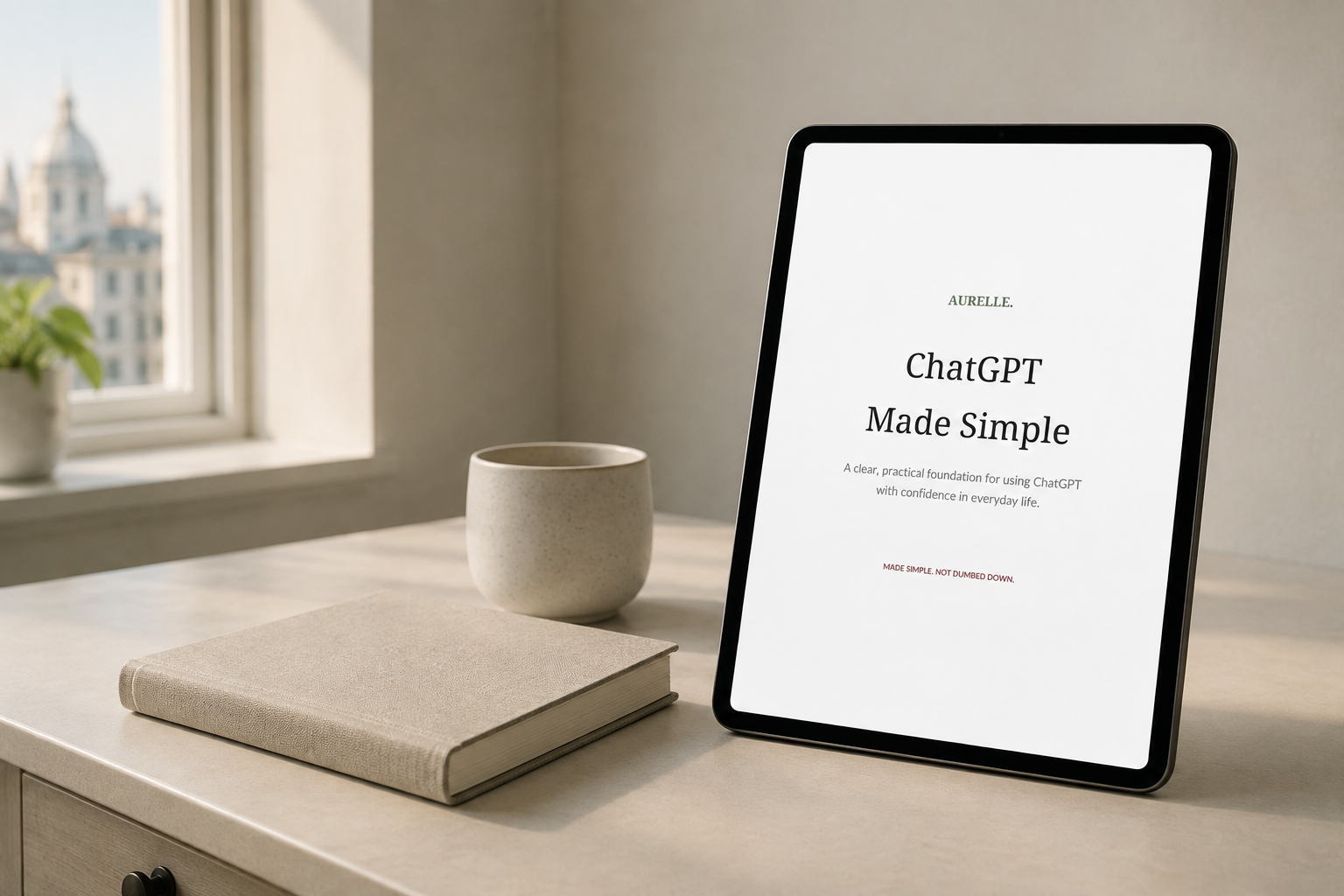
ChatGPT can look deceptively simple.
You type something into a box, press send and receive an answer within seconds. But getting genuinely useful results — and knowing when you should question those results — takes a little more understanding.
The good news is that you don't need to become an AI expert.
If you're new to ChatGPT, these seven principles will give you a much better starting point.
1. ChatGPT works better when you're specific
Compare these two requests:
“Write an email.”
and:
“Write a friendly but professional email to a customer confirming that their appointment has been moved from Monday to Wednesday. Keep it under 150 words.”
The second request gives ChatGPT much more to work with.
A useful prompt usually includes:
- some context
- what you want ChatGPT to do
- important details
- how you want the answer presented
At Aurelle Digital, we use a simple structure:
Context + Task + Details + Output
You don't have to follow it rigidly. It's simply a useful way to remember that better information usually leads to better answers.
2. You don't need complicated prompts
There is plenty of advice online about elaborate prompting techniques.
Some of it can be useful, but beginners don't need to memorise long formulas before they can use ChatGPT effectively.
Start by explaining what you need in normal language.
For example:
“I'm organising a family birthday lunch for 12 people. Help me create a simple checklist covering food, decorations, invitations and things I need to do on the day.”
That's already considerably more useful than:
“Plan a party.”
Clear beats complicated.
3. Your first answer doesn't have to be the final answer
One of the most useful things to understand about ChatGPT is that you can continue the conversation.
If the answer isn't quite right, tell it what needs changing.
You could say:
- “Make this shorter.”
- “Explain that in simpler language.”
- “Give me three alternatives.”
- “Turn this into a checklist.”
- “That's too formal. Make it sound warmer.”
Think of the first response as a starting point rather than something you have to accept.
4. ChatGPT can be wrong
This is one of the most important lessons.
AI can produce an answer that sounds confident, detailed and convincing — and still contain incorrect information.
It can misunderstand your question, use outdated information or occasionally invent details.
That means you should be particularly careful when using AI for subjects where accuracy matters.
Check important facts against reliable sources, especially when the information relates to health, money, legal matters, work decisions or other significant choices.
ChatGPT can help you research and understand information. It shouldn't automatically become the final authority.
5. Think before you share personal information
It's easy to forget that you're entering information into an online service when the conversation feels natural.
Before pasting something into an AI tool, consider whether it contains information that needs to remain private or confidential.
Be especially cautious with:
- passwords and login information
- financial details
- confidential workplace information
- private customer or client information
- medical records
- identifying information belonging to someone else
If you're using AI at work, follow your organisation's policies as well as the privacy requirements relevant to your role.
A useful habit is to remove identifying or confidential details when they aren't necessary for the task.
6. AI is particularly useful for everyday tasks
You don't have to use ChatGPT for complicated projects.
Some of its most practical uses are remarkably ordinary.
You might use it to:
- improve an email you've already written
- create a weekly meal plan
- turn notes into a checklist
- compare options
- brainstorm questions before a meeting
- summarise information
- organise a project into manageable steps
- explain an unfamiliar term
- help structure a letter
- generate ideas when you're stuck
The goal isn't to hand over every task to AI.
It's to recognise the occasions when it can save you time or help you think more clearly.
7. You should remain the person making the decisions
Perhaps the most useful AI skill isn't prompting at all.
It's judgement.
You decide whether an answer makes sense.
You decide what needs checking.
You decide what information you're comfortable sharing.
And you decide whether the final result actually sounds like you.
AI works best as a tool you direct rather than something you follow questioning.
You don't need to become an AI expert
Learning to use ChatGPT is much easier when you stop thinking that you need to understand everything about artificial intelligence first.
Start with a real task.
Give clear instructions.
Ask follow-up questions.
Check important information.
Protect private information.
And gradually discover where AI is genuinely useful to you.
Prefer to learn with someone guiding you?
Aurelle Digital's AI Made Simple — Live Workshop is a practical, beginner-friendly introduction to ChatGPT and generative AI.
We'll work through real examples, better prompting, everyday uses, checking unreliable answers, privacy and responsible AI use — with opportunities to practise as we go.
Saturday 10 October 2026
10:30am–12:00pm UK time
90 minutes · Live online
£49 introductory price
Maximum 12 participants
Book your place on the Aurelle Digital Training page →
Made simple. Not dumbed down.
Getting started with ChatGPT is not about learning secret formulas. Give clear instructions with useful context, treat answers as a starting point, check important facts, protect private data, and remain the decision-maker.
This article introduces ideas explored fully in ChatGPT Made Simple.
A quiet note, once a month
Related articles
Getting vague or generic answers from ChatGPT? Here is why AI answers often miss the mark — and seven simple ways to ask clearer questions, add useful context and get more helpful responses.
Running a business by yourself means constantly switching roles. Here is how a tool like ChatGPT can act as an extra pair of hands for thinking, writing, organising and research.