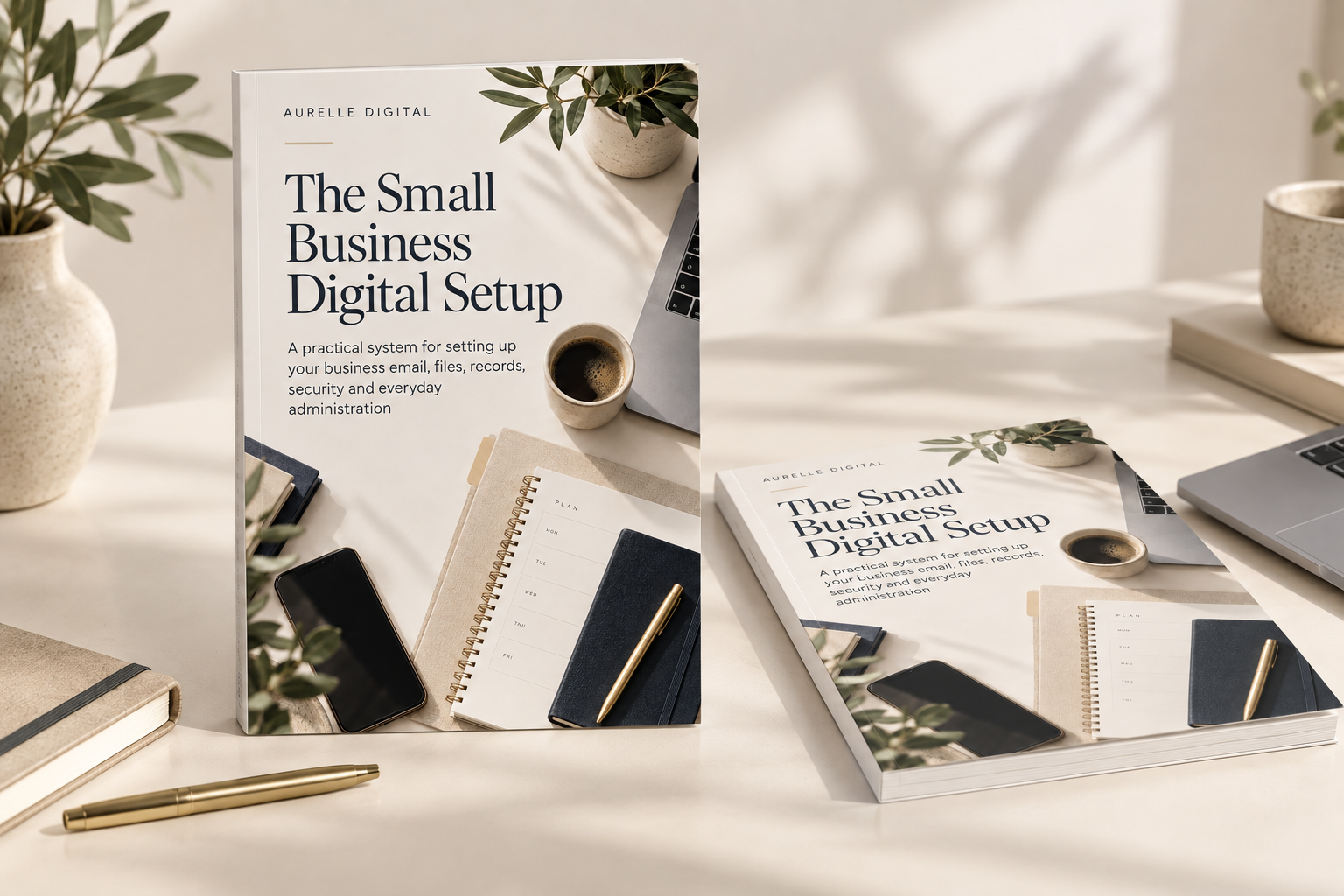
Starter kit
The Small Business Digital Setup
Build clearer business systems with a 27-page guide, editable workbook, six printable checklists and a ready-made folder starter.
£29View guide
A practical system for naming, filing and finding your business documents.
First Edition / 2026
ZIP kit: PDF, XLSX, TXT and folder templates · 16 pages · Immediate digital download after payment. Complete ZIP kit delivered securely to your account library. · Use within one business. Adapt the templates for your own work. Do not resell or redistribute the complete kit.
Secure checkout via Stripe
Instant access after payment · Secure customer library · Personal-use licence
Documents collect in Downloads, shared folders and old project copies. The current version is unclear and filing depends on memory. This kit gives you practical rules, a register and a routine for keeping business documents easy to retrieve.
A consistent filing and review routine with clear locations, names and owners.
After working through the guide, you'll be able to:
Create a repeatable filing routine with tools you already have. Decide where documents belong, agree consistent names, track important folder locations and review completed work. The workbook includes a blank 100-record File Register, a 50-entry Naming Planner and separate fictional Examples. Review flags identify due, overdue or incomplete records. Suggested filenames are built from your entries. Apply changes to your real files manually. The folder templates include README instructions for each area.
Read five preview pages covering the kit contents, filename pattern, naming planner and weekly filing.
Solo businesses and small teams who need clearer business filing, repeatable client or project workspaces and a practical review routine.
This is a manual workflow kit. It does not rename, move, delete, back up or check permissions on your files. It does not prescribe legal retention periods or replace a specialist document management system.
Requirements: ZIP extraction tool, PDF reader and Microsoft Excel or compatible spreadsheet software. Formatting and calculations may vary in other apps. File and folder changes are applied manually.
No. The naming planner suggests filenames and the register calculates review flags. You apply file changes, check links and review access manually.
File Register supports 100 records in rows 11-110. Naming Planner supports 50 entries in rows 11-60. Separate fictional Examples are excluded from the live sheets.
Each folder contains a README explaining its purpose. The templates are structures for you to copy and adapt; they do not contain real client documents.
The Starter Kit introduces the wider business setup and broad folder structure. This kit develops the day-to-day filing routine with a file register, naming planner, project workspaces, version rules and review templates.
No. It helps you record archive and review decisions, but it does not prescribe retention periods. Consider the requirements that apply to your business before deciding to delete records.
Set practical filing rules, name documents consistently and keep important locations under review.
16-page digital guide
Instant customer-library access
Secure checkout via Stripe · Immediate access after payment
If you are struggling with a specific setup on your phone, computer, Google account or AI tool, get personalised, plain-English help with one defined question — without needing to book a call.
Build clearer business systems with a 27-page guide, editable workbook, six printable checklists and a ready-made folder starter.
Track enquiries, plan follow-ups and prepare new clients with an 18-page guide, editable tracker, six checklists and nine text templates and questionnaire files.
We use strictly necessary cookies for basket, checkout and account. We only load Google Analytics if you allow it. See our Cookie Policy.