What Digital Tools Does a Small Business Actually Need?
Running a small business can quickly turn into a collection of disconnected tools. A better starting point is to work out which digital tools your business genuinely needs, what each one is responsible for and how they should fit together.
Running a small business can quickly turn into a collection of disconnected tools.
You may have one app for email, another for files, a calendar somewhere else, a form for enquiries, a payment platform, a spreadsheet for clients and perhaps a few AI tools added along the way.
The answer is usually not to add more software.
A better starting point is to work out which digital tools your business genuinely needs, what each one is responsible for and how they should fit together into a calm, coherent setup.
The goal is not to build the most advanced setup. It is to create a simple, reliable system that makes everyday work easier.
Start with the jobs your business needs to do
Before choosing software, list the main things your business needs to manage.
For most small businesses, that usually includes:
- Email — Client and supplier correspondence
- Files and documents — Quotes, invoices, proposals and procedures
- Calendars and appointments — Managing time, deadlines and availability
- Enquiries — Tracking prospective clients before they slip away
- Client or customer information — Clear records of who you work with
- Payments and invoicing — Getting paid simply and predictably
- Passwords and security — Protecting access to your business accounts
- Backups — Ensuring you can recover when something breaks
- Tasks and follow-ups — Keeping track of what needs to happen next
Once you understand the jobs that need doing, it becomes much easier to choose the right tools.
At Aurelle Digital, we organise these essentials into six foundational business systems: Business Foundations, Enquiries & Clients, Files & Organisation, Communication & Productivity, Automation & AI and Security & Continuity.
Here is a breakdown of what a small business genuinely needs across those areas.
1. Professional business email
A professional email address is one of the first things a small business should put in place.
Rather than using a personal email address, use an address connected to your business domain.
For example:
hello@yourbusiness.co.ukinfo@yourbusiness.co.uk
A business email address makes your business look established and trustworthy. Crucially, it also helps keep your personal life and business communication completely separate.
You can usually manage business email through services such as Google Workspace or Microsoft 365. Both platforms provide reliable security, ample storage and integrated tools that grow with you.
2. Cloud storage
Your business files need a clear home.
Cloud storage makes it easier to access documents from different devices, share files where necessary and reduce the risk of everything being stored on one computer.
Common options include Google Drive, OneDrive and Dropbox.
The important part is not which platform you choose. It is how you organise it.
Create a clear folder structure from the beginning and decide where different types of information should live. For example:
- Admin
- Finance
- Clients
- Marketing
- Templates
- Suppliers
- Policies
A simple structure now can save a lot of time later.
3. Calendar and scheduling
A digital calendar helps you manage appointments, deadlines, meetings and recurring tasks.
For many small businesses, Google Calendar or Outlook Calendar is more than enough.
Keep business appointments in one place where possible rather than spreading them across different apps.
If clients book appointments with you, you may also want a scheduling tool that connects directly to your calendar. But do not add one unless you actually need it.
4. Documents and spreadsheets
You will probably need somewhere to create documents, spreadsheets and simple presentations.
Both Google Workspace and Microsoft 365 cover most everyday small-business needs without needing extra subscriptions.
Documents may include:
- Proposals
- Client notes
- Checklists
- Procedures
- Templates
- Policies
- Quotes
- Reports
Spreadsheets can be useful for:
- Tracking leads
- Monitoring expenses
- Managing simple client lists
- Recording stock
- Planning content
- Keeping basic operational records
For many small businesses, a well-organised spreadsheet is perfectly adequate before moving to specialist software.
5. Enquiry and client tracking
One of the easiest things to lose track of in a growing business is enquiries.
Someone emails. Another person submits a website form. A third sends a message through social media.
Without a clear process, follow-ups can easily be missed.
At minimum, create one place where enquiries are recorded. That might be:
- A spreadsheet
- A simple CRM
- A form connected to a database
- A project management tool
Track useful details such as:
- Name
- Contact details
- Date of enquiry
- What they asked about
- Current status
- Next action
- Follow-up date
The system does not need to be sophisticated. It just needs to be consistent.
6. Payments and invoicing
Your business needs a reliable way to request and receive payment.
Depending on the type of business, this might involve:
- Online card payments
- Bank transfers
- Invoices
- Payment links
- Ecommerce checkout
Choose a system that makes it easy to understand what has been paid and what is still outstanding.
Avoid creating separate payment processes unless there is a clear reason. The simpler the process, the easier it is to manage.
7. Passwords and security
Business security should not be left until something goes wrong.
At minimum, use:
- Strong, unique passwords
- A password manager
- Multi-factor authentication
- Secure device logins
- Up-to-date software
- Separate business accounts where appropriate
Do not reuse the same password across multiple business services. If one account is compromised, reused passwords can put other systems at risk too. Learn more in our Security & Continuity system.
8. Backups
Cloud storage is useful, but it should not automatically be treated as your entire backup strategy.
Think about what would happen if:
- A file was deleted accidentally
- An account became inaccessible
- A laptop was lost
- A device stopped working
- Important information was overwritten
Identify the information your business cannot afford to lose and make sure there is a reliable recovery plan.
9. Tasks and follow-ups
Not every small business needs a complex project-management platform.
Sometimes a simple task list or calendar works better.
The key question is: Where do you record something that needs to happen later?
If the answer is "I try to remember it", you need a clearer system.
Choose one main place for tasks and follow-ups so work does not disappear into emails, notebooks and browser tabs.
10. Automation and AI
Automation and AI can be useful, but they should usually come after the basic systems are working properly.
Good opportunities for automation might include:
- Sending confirmation emails
- Moving information from a form into a spreadsheet
- Creating reminders
- Organising repetitive admin
- Drafting routine content
- Summarising information
- Preparing first drafts of emails
The best tasks to automate are usually repetitive, predictable and low-risk.
Do not automate a messy process just because you can. Fix the process first. Learn more in our Automation & AI system.
What you probably do not need yet
Small businesses are often encouraged to buy software long before they actually need it.
You may not need:
- A complex CRM
- Multiple project-management platforms
- Several AI subscriptions
- A separate app for every small task
- Expensive automation software
- A large technology stack
Before adding something new, ask:
What problem will this solve?
Then ask:
Can one of the tools I already use solve it?
If the answer is yes, keep things simple.
A simple starter technology stack
For many solo businesses and small teams, a practical setup might look like this:
- Business email: Google Workspace or Microsoft 365
- Cloud storage: Google Drive or OneDrive
- Calendar: Google Calendar or Outlook
- Documents: Google Docs or Microsoft Word
- Spreadsheets: Google Sheets or Microsoft Excel
- Enquiry tracking: Spreadsheet or simple CRM
- Payments: A trusted payment provider suitable for your business
- Passwords: Password manager + multi-factor authentication
- Backups: A clear backup and recovery process
- Tasks: One consistent task-management system
That is enough for many businesses to operate effectively. You can always add more later.
Build the system before adding more tools
The most important thing is not how many apps your business uses.
It is whether you know:
- What each tool is for
- Where information should live
- What happens when a new enquiry arrives
- How client information is organised
- Where tasks are recorded
- How important information is protected
- What gets backed up
- What can be automated safely
Clear systems reduce confusion. They also make it much easier to grow without adding unnecessary complexity.
Want to put the essentials in place properly?
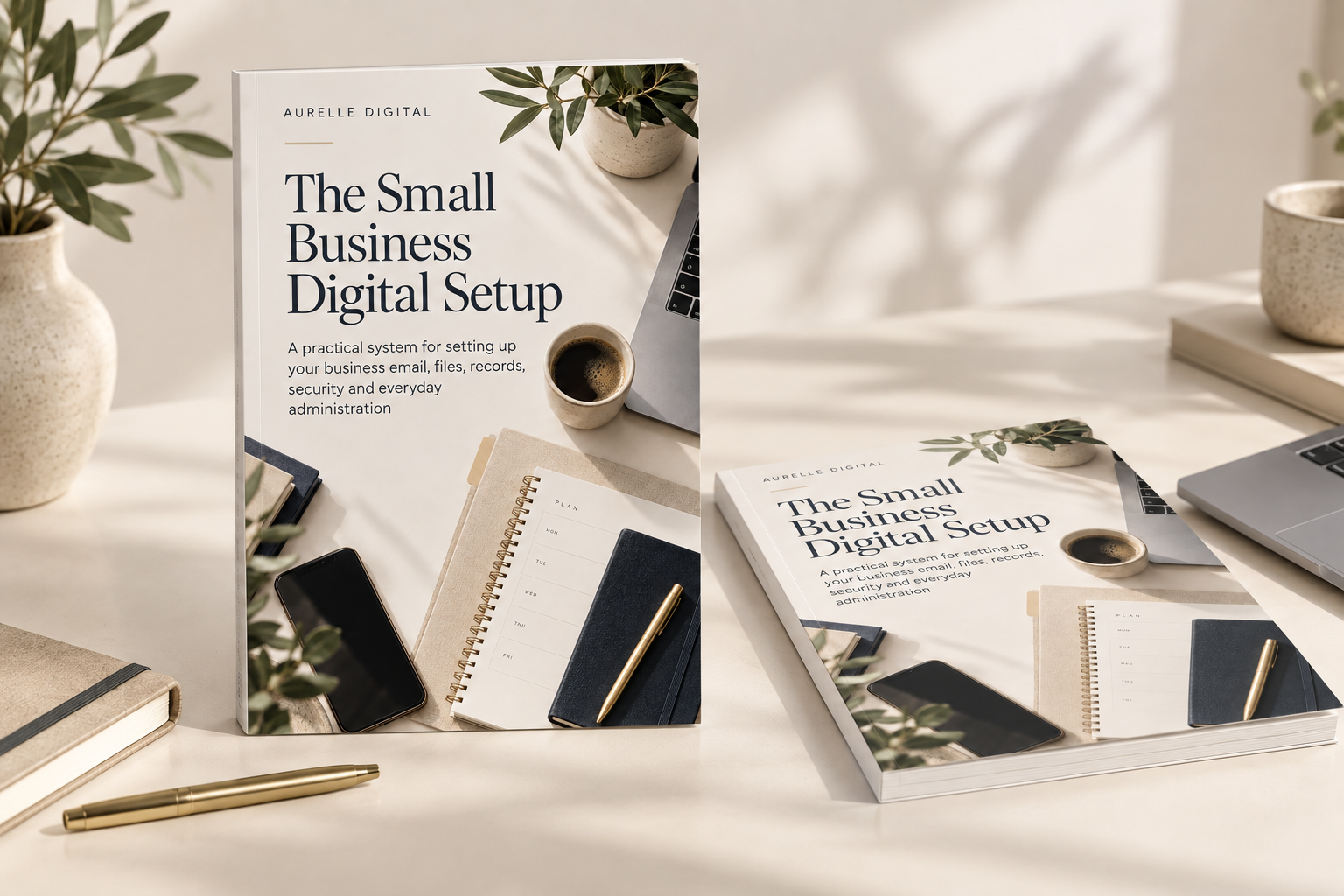
The Small Business Digital Setup gives you a practical guide, editable workbook, printable checklists and ready-made folders to help organise the core digital systems behind your business.
Browse all practical Business Systems, Guides and Free Resources.
Start with the jobs your business needs to do, not the software that is available. A simple, connected stack of core tools — business email, cloud storage, calendar, documents, enquiry tracking, secure payments and backups — is all most small businesses need to run smoothly.
This article introduces ideas explored fully in The Small Business Digital Setup.
Need help putting this into practice?
Aurelle Digital can research, write, optimise and publish search-focused content for your business.
Have a specific digital problem?
Get personalised, plain-English help with one defined technology question without needing to book a call. We review your issue and send tailored guidance within 2 working days.
A quiet note, once a month
Related articles
Running a small business creates more digital clutter than expected. Here is a practical way to organise your files, accounts, folders and everyday admin without overcomplicating things.
Starting a business no longer requires an expensive website or a large following. Here is what to focus on first to build a clear, credible digital presence.
Running a one-person business means doing several jobs at once. Here is how to use ChatGPT as a practical first-draft assistant for emails, content, checklists and admin without letting AI complicate your everyday work.