How to Build a Professional Online Presence for Your Small Business
Starting a business no longer requires an expensive website or a large following. Here is what to focus on first to build a clear, credible digital presence.
Starting a business no longer means you need an expensive website, a large social media following or a complicated collection of apps.
But customers do increasingly expect to be able to look you up, understand what you offer and feel confident that your business is genuine.
For Black British entrepreneurs building a side business, service business or small company, getting the basics right can make a significant difference.
The good news is that your digital presence does not need to be complicated.
Here is what to focus on first.
1. Start with a clear business identity
Before worrying about websites and social media, make sure people can quickly understand what your business does.
You should be able to explain:
- what you offer
- who you help
- what problem you solve
- how someone can buy from or contact you
You do not need a clever slogan.
Clarity is usually more useful.
Instead of:
Helping you become your best self
something like:
Virtual administration support for independent healthcare professionals
immediately tells a potential customer what the business actually does.
The same principle applies whether you sell products, provide services or work as a freelancer.
2. Buy your own domain
A domain is the address people use to reach your website.
For example:
yourbusiness.co.ukyourbusiness.com
Having your own domain makes a small business feel more established and gives you greater control over your online presence.
Try to choose something that is:
- easy to spell
- easy to remember
- reasonably short
- closely connected to your business name
Avoid adding unnecessary numbers or punctuation if you can.
You do not necessarily need to build a website immediately, but securing the domain early is sensible if you have settled on your business name.
3. Use a professional business email address
There is nothing inherently wrong with using Gmail when you are starting.
But once you have your own domain, an address such as:
hello@yourbusiness.co.uk
can make your business appear more established than using a personal email address.
It also keeps your business communication separate from your personal inbox.
Simple details like this can matter when a potential customer is deciding whether they trust a business they have never used before.
4. Create a simple website
A small business website does not need dozens of pages.
For many new businesses, four or five pages are enough:
- Home — Explain what you do, who you help and what someone should do next.
- Services or Shop — Show exactly what you sell and what it costs where appropriate.
- About — Tell visitors who is behind the business and why you do what you do.
- Frequently Asked Questions — Answer the questions customers are likely to have before buying or contacting you.
- Contact — Make it easy for someone to enquire.
That is enough to get started. You can always expand the website later.
5. Make the next step obvious
A surprisingly common mistake is creating a website without clearly telling visitors what to do.
Every important page should have a next step. That might be:
- Book a consultation
- Shop now
- Request a quote
- Send an enquiry
- Download the guide
- Join the email list
Do not make potential customers search for the way to contact or buy from you.
6. You do not need to be on every social platform
New business owners often feel pressure to create accounts everywhere.
Instagram. TikTok. Facebook. LinkedIn. Pinterest. YouTube. Threads.
And then they discover they are spending more time creating content than running the business.
Instead, ask one question:
Where are the people I want to reach already spending their time?
A professional service might benefit more from LinkedIn. A visual product business may be better suited to Instagram or Pinterest. A local service business may get more value from Facebook and Google.
Choose one or two channels you can maintain consistently.
More platforms do not automatically mean more customers.
7. Make it easy for people to find you on Google
Search can become one of the most useful sources of customers because people are actively looking for information, products or services.
Start with the basics.
Use clear language on your website describing what you actually offer.
Instead of calling a page:
What We Do
a title such as:
Virtual Medical Administration Services
gives both customers and search engines more information.
Think about the phrases someone might type into Google when looking for a business like yours. Use those phrases naturally throughout your website.
You do not need to fill every paragraph with keywords. Write primarily for the person reading the page.
8. Set up Google Business Profile if you serve local customers
If your business serves customers in a particular location, a Google Business Profile can help you appear when people search locally.
It can display information such as:
- opening hours
- reviews
- photographs
- contact details
- your website
- services
This can be particularly valuable for businesses such as beauty services, trades, consultants, tutors, photographers, therapists and local retailers.
9. Show that there is a real person behind the business
Trust matters online.
Customers may be more comfortable buying when they can understand who is behind a business.
That does not mean you need to become an influencer or post your entire life online. A professional About page can be enough.
Explain:
- who you are
- what you do
- why you started the business
- who you want to help
If appropriate, include a professional photograph.
Small businesses can sometimes have an advantage here because customers often appreciate knowing who they are actually dealing with.
10. Collect reviews and testimonials
Social proof helps potential customers decide whether they are comfortable buying from you.
Once you have genuine customers, ask whether they would be willing to leave a review or testimonial.
You might display reviews on:
- your website
- relevant marketplaces
- your service pages
Never invent testimonials. A small number of genuine reviews is more valuable than a website filled with vague praise.
11. Keep your branding consistent
You do not need an expensive branding agency when you are starting.
You do need consistency.
Try to use the same:
- business name
- logo
- colours
- wording
- profile photograph or logo
- contact information
across your website, social platforms and email.
Consistency makes a small business look much more considered.
12. Keep your business information organised
Your online presence is only one part of running a digital business.
Behind it, you may be accumulating:
- invoices
- customer information
- photographs
- contracts
- receipts
- downloads
- marketing material
- passwords
- website files
Create a simple folder structure from the beginning.
For example:
- Business
- Finance
- Customers
- Marketing
- Website
- Products
- Legal
- Admin
You can change it later. The important thing is having a system before everything becomes difficult to find.
13. Protect your accounts
Your email account, website and social media profiles can become important business assets.
Protect them properly.
Use strong, unique passwords and enable two-factor authentication wherever it is available. Avoid using one password across multiple services.
And make sure you know how to recover your important accounts if you ever lose access.
Good digital security is much easier to put in place before there is a problem.
14. Use AI to reduce some of the workload
Tools such as ChatGPT can be particularly useful when you are running a business by yourself.
For example, you could use AI to help:
- draft customer emails
- brainstorm article ideas
- improve product descriptions
- create FAQs
- organise research
- turn rough notes into clearer writing
- plan marketing content
- summarise information
- create checklists
AI does not need to run your business for you. Think of it as an assistant that can help with some of the repetitive thinking and writing.
Always review important information before publishing or sending it.
Start simple
A professional online presence does not require an expensive website or a huge following.
Start with the essentials:
- A clear offer.
- Your own domain.
- A professional email address.
- A simple website.
- One or two suitable marketing channels.
- Basic search visibility.
- Good digital organisation.
- Secure accounts.
You can improve everything else as your business grows.
The goal is not to appear enormous. It is to make it easy for the right person to discover your business, understand what you offer and feel confident taking the next step.
Practical digital help for solopreneurs and small business owners
Aurelle Digital creates plain-English guides to AI, digital tools, organisation and running a modern small business.
Our resources for solopreneurs and small business owners bring together practical guidance for people building businesses — without assuming you already understand every piece of business or technology jargon.
- Explore Aurelle Digital for Solopreneurs →
- Explore The Small Business Digital Setup →
- Explore The Solopreneur Digital Toolkit →
Made simple. Not dumbed down.
A professional online presence does not require complexity. Secure your domain, establish a professional email, publish a clear five-page website with an obvious next step, and protect your accounts before you scale.
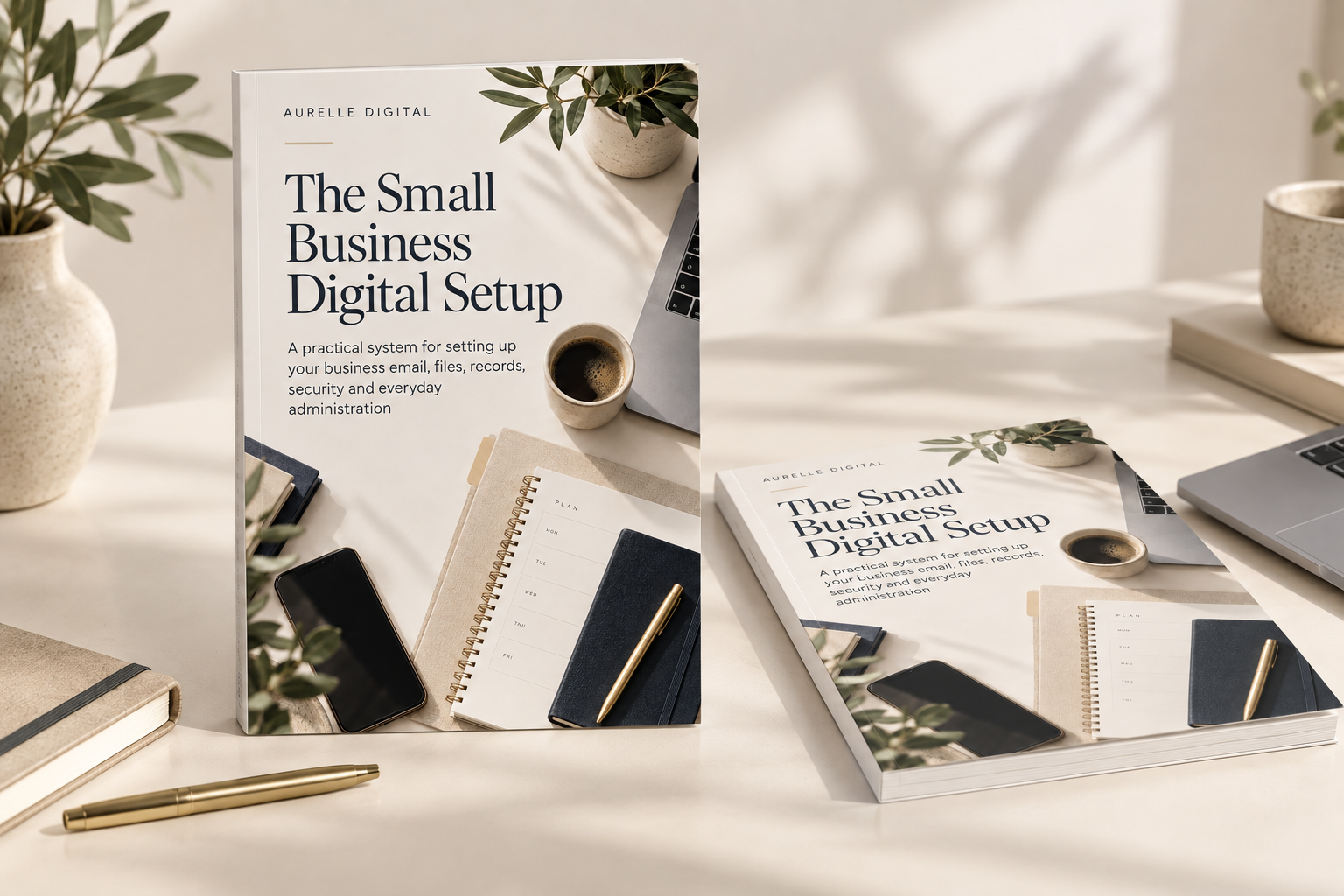
This article introduces ideas explored fully in The Small Business Digital Setup.
A quiet note, once a month
Related articles
A practical guide to organising your business email, accounts, files, records, security and recurring admin—before digital clutter starts costing you time.
You probably use cloud storage already, even if you don't think of yourself as someone who uses the cloud. Here is a simple, plain-English explanation of how it works, what it's used for, whether it's safe and how it differs from a backup.