What Is Cloud Storage? A Simple Guide for Small Businesses
If you run a small business, you probably use cloud storage already. Here is what it is, how it works, how to compare Google Drive, OneDrive, Dropbox and iCloud, and how to set up a clean filing structure.
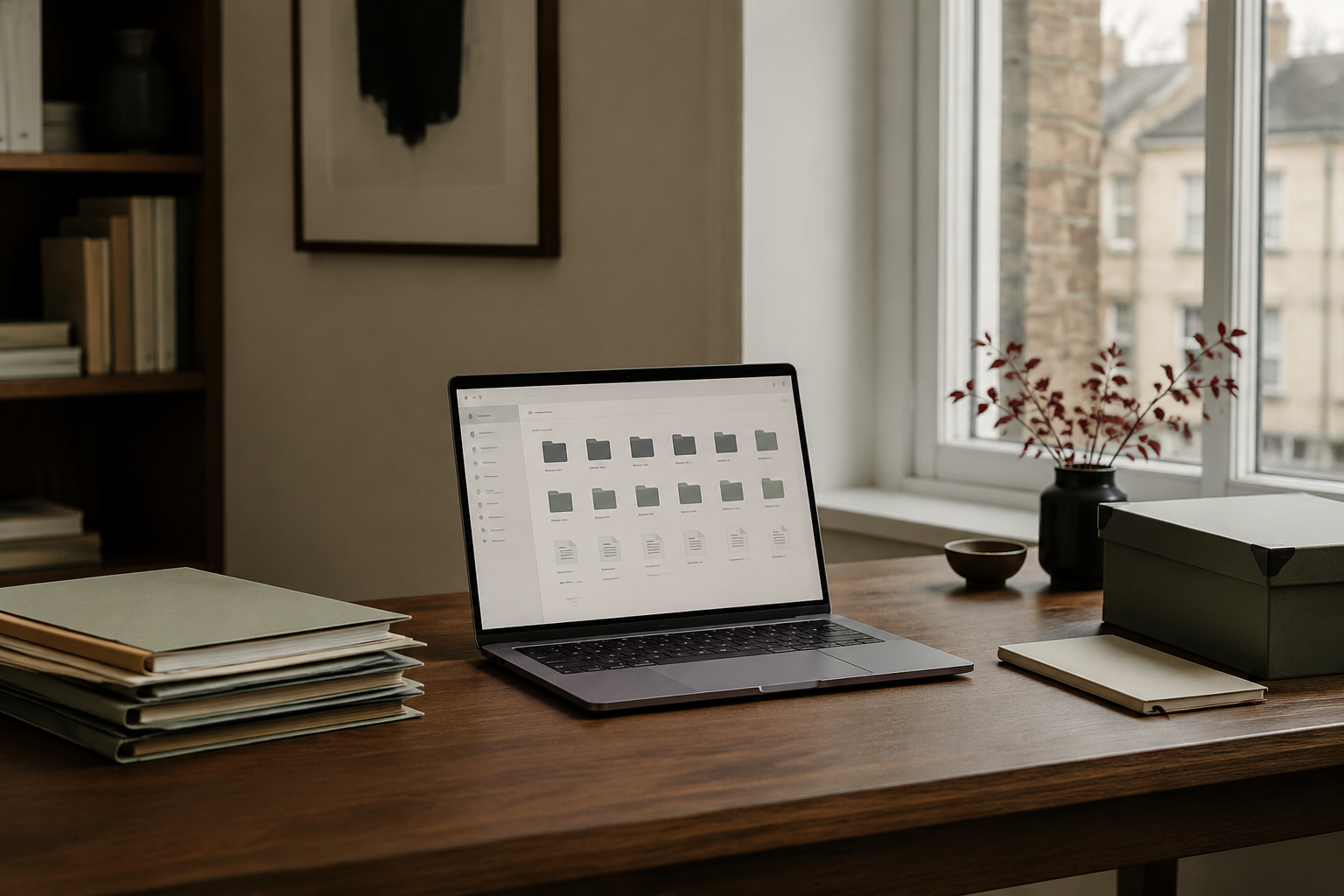
If you run a small business, you probably use cloud storage already — even if you do not think of it that way.
Google Drive, OneDrive, Dropbox and iCloud are all examples of cloud storage. They allow you to save files online instead of keeping everything only on your computer, phone or external hard drive.
For a small business, cloud storage can make files easier to organise, access, share and protect.
But it can also become messy very quickly if you do not set it up properly.
This guide explains what cloud storage is, how it works and how to choose a sensible setup for your business.
What is cloud storage?
Cloud storage simply means storing files on secure remote servers that you access through the internet.
Instead of a document existing only on your laptop, for example, it can be stored in Google Drive or OneDrive and accessed from different devices.
You can usually open your files from:
- your computer
- your phone
- a tablet
- another authorised device
- a web browser
This is useful if you work from more than one location or need access to business files when you are away from your main computer.
How does cloud storage work?
When you save a file to a cloud storage service, the file is uploaded to servers operated by the provider.
Your device then connects to those servers whenever you need to view, download, edit or share the file.
Many services also synchronise files automatically.
For example, you might edit a document on your laptop and then open the latest version on your phone without manually transferring anything.
That convenience is one of the main reasons cloud storage has become so useful for small businesses.
Is cloud storage the same as backup?
Not quite.
Cloud storage and backup are related, but they are not the same thing.
Cloud storage is mainly designed to give you convenient access to your files and allow them to synchronise across devices.
A proper backup is designed to help you recover your information if something goes wrong.
For example, if you accidentally delete a synchronised file, that deletion may also be reflected across your other devices.
Some cloud platforms provide version history and deleted-file recovery, which helps, but it is still sensible to think separately about backup and file storage.
A strong small-business setup may include both:
Cloud storage for everyday working files
and
A separate backup system for important business data
Why is cloud storage useful for a small business?
Cloud storage can solve several common problems.
You can access files from different devices
If your laptop stops working, your business does not necessarily stop with it.
Provided your files are stored securely in the cloud, you may still be able to access them from another device.
Files are easier to share
Instead of emailing attachments backwards and forwards, you can often share a secure link to a document or folder.
This can be particularly useful when working with clients, accountants, contractors or other members of a small team.
Everyone can work from the latest version
One of the biggest problems with traditional file sharing is ending up with files called:
Proposal-final.docx
Proposal-final-v2.docx
Proposal-final-revised.docx
Proposal-REAL-final.docx
Cloud-based documents can dramatically reduce this problem because people can work from one central version.
It can reduce dependence on one computer
Keeping everything on one laptop creates risk.
If that device is lost, damaged or stolen, important files may disappear with it.
Cloud storage reduces that dependence.
Which cloud storage service should a small business use?
There is no single answer that suits every business.
For most small businesses, the easiest choice is often the service that works best with the tools you already use.
Google Drive
Google Drive works particularly well if your business uses Gmail, Google Docs, Google Sheets and other Google Workspace tools.
It is simple to share files and collaborate on documents.
Microsoft OneDrive
OneDrive often makes sense if your business already works heavily in Microsoft Word, Excel, Outlook and Microsoft 365.
Its integration with Windows and Microsoft Office can make file management straightforward.
Dropbox
Dropbox is widely used for file storage and sharing and can be useful when you frequently exchange larger files or work with clients and collaborators who already use it.
iCloud Drive
iCloud works particularly well within Apple's ecosystem.
For a business using Macs, iPhones and iPads, it can be convenient, although businesses often still choose Google Drive or OneDrive for broader collaboration and document management.
Do you need more than one cloud storage service?
Usually, less is better.
It is very easy for a small business to end up with files scattered across:
- Google Drive
- OneDrive
- Dropbox
- iCloud
- email attachments
- desktop folders
- USB drives
That creates confusion rather than organisation.
Unless there is a genuine reason to use several systems, choosing one main business file location is normally much easier.
You can still use other services when needed, but your team — even if your team is just you — should know where the master copy of a business file belongs.
How much cloud storage does a small business need?
Many small businesses use far less storage than they expect.
Documents, spreadsheets and PDFs usually take up relatively little space.
Businesses handling large amounts of photography, video, design work or other media will need considerably more.
Before paying for a large storage plan, look at what you are actually storing.
A small consultancy, virtual assistant or professional-services business may have very different requirements from a photographer or video-production company.
Is cloud storage secure?
Major cloud providers invest heavily in security, but your own setup still matters.
A secure cloud account can become vulnerable if you use a weak password or allow someone else to gain access to your login.
At minimum, small businesses should use:
- a strong, unique password
- two-factor authentication
- sensible sharing permissions
- separate user accounts where appropriate
- regular reviews of who has access to important folders
Avoid making business documents publicly accessible unless they genuinely need to be public.
The biggest cloud storage problem is often organisation
Moving messy folders into the cloud does not automatically make them organised.
You can still end up with hundreds of files spread across badly named folders.
A simple structure works better.
For example:
Business
- Admin
- Finance
- Clients
- Marketing
- Operations
- Templates
- Archive
Inside your Clients folder, each client could then have their own clearly named folder.
The exact system matters less than being consistent.
Use clear file names
A useful file name should tell you what the file contains without needing to open it.
Instead of:
document1.pdf
try:
2026-10_ClientName_Proposal.pdf
Instead of:
notes.docx
try:
2026-10-07_Meeting-Notes_ClientName.docx
Simple naming habits can save a surprising amount of time.
Avoid storing everything forever
Cloud storage can make it tempting to keep every document you have ever created.
That eventually makes search and navigation more difficult.
Create an archive for old projects and inactive clients rather than leaving everything mixed into your current working folders.
You do not necessarily need to delete useful records — just move them away from the files you use every day.
What happens if you lose your laptop?
This is one of the clearest benefits of cloud storage.
If important business files are stored only on your laptop and the laptop is damaged or stolen, recovering those files may be difficult or impossible.
If they are securely stored in the cloud, you may be able to sign in from another device and continue working.
You should still secure the lost device, change passwords where necessary and follow your business's data-security procedures.
But cloud storage can make recovery considerably easier.
A simple cloud storage setup for a one-person business
You do not need an elaborate system.
A straightforward setup might look like this:
- Choose one main cloud storage provider.
- Create a small number of clearly named top-level folders.
- Keep client files inside individual client folders.
- Use consistent file names.
- Turn on two-factor authentication.
- Review sharing permissions regularly.
- Archive old work instead of mixing it with current files.
- Keep a separate backup of critical information.
That is enough for many solo and small businesses.
Cloud storage should make your business simpler
Technology is useful when it reduces friction.
You should not need to search five different platforms every time you need a document.
A good cloud storage setup gives your business one clear place for files, sensible security and a structure that is easy to understand.
Start simple.
Choose the system you are most likely to maintain consistently rather than trying to build a complicated filing system that becomes another job in itself.
Related reading on cloud storage
To dive deeper into specific parts of your file setup, explore our supporting guides:
- Choosing a provider & UK compliance: Cloud Storage for Small Business: Providers, Costs and UK Data Protection
- Calculating your storage needs: How Much Cloud Storage Does a Small Business Need?
- Direct provider comparison: Google Drive vs OneDrive for Small Business: Which Is Better?
- Protecting your data from loss: Cloud Storage vs Backup: What's the Difference for a Small Business?
- Key terminology defined: What is cloud storage? in the Aurelle Glossary
Need a more organised file system?
If your business files are scattered across your laptop, email, Google Drive and various folders, the Aurelle Digital Files & Organisation system can help you create a simpler structure and put practical routines in place.
Explore the Files & Organisation guide to create a filing system that is easier to maintain and easier to find your way around.
Choose one main cloud storage service for your everyday business files, keep a clean top-level folder structure with consistent file names, turn on two-factor authentication, and maintain a separate backup for critical data.
This article introduces ideas explored fully in Files & Organisation.
Make technology easier to manage.
Get The Aurelle Letter every fortnight — practical advice on AI, small-business systems and everyday technology, without the noise.
Need help putting this into practice?
Aurelle Digital can research, write, optimise and publish search-focused content for your business.
Want help putting better systems into practice?
Join the Aurelle Business Systems Membership for practical monthly systems, templates, workflows and AI resources.
Have a specific digital problem?
Get personalised, plain-English help with one defined technology question without needing to book a call. We review your issue and send tailored guidance within 2 working days.
Related articles
A practical UK guide to choosing between Google Drive, OneDrive and Dropbox: comparing pricing tiers, calculating real storage needs, and staying compliant with UK GDPR.
Choosing cloud storage for a small business sounds simple until you compare 30 GB, 1 TB, or 2 TB plans. Here is how to estimate what your business actually uses and avoid paying for space you will never need.
Google Drive and Microsoft OneDrive are two of the most widely used cloud storage systems for small businesses. Here is how to decide between them based on your daily tools, collaboration style and storage needs.