How to Set Up the Digital Side of a Small Business
A practical guide to organising your business email, accounts, files, records, security and recurring admin—before digital clutter starts costing you time.
Starting a business often means setting up digital tools one at a time.
You open an email account when you need one. Create a folder when the first client sends a document. Save receipts wherever they happen to land. Add a calendar, cloud-storage service, payment platform and a handful of apps as new needs appear.
Each decision seems small. Together, they become the digital operating system of your business.
If that system has no clear structure, everyday tasks take longer than they should. You search for the latest version of a proposal, reset forgotten passwords, wonder whether a receipt was saved and keep important information in your head because there is no obvious place for it.
A small business does not need complicated technology. It needs a simple, dependable setup that makes information easy to find, protects important accounts and turns recurring admin into a routine.
This guide shows you how to build one.
What digital systems does a small business need?
Most solopreneurs and very small businesses need six basic systems:
- A professional business email and calendar
- A record of essential accounts and who controls them
- A consistent file and folder structure
- An organised place for customer, supplier and financial records
- Security and backup arrangements
- A short weekly maintenance routine
The specific apps matter less than the rules you use. A modest set of well-organised tools will usually serve you better than a large collection of disconnected ones.
1. Create a clear home for business communication
Use a dedicated business email address rather than mixing client messages, invoices and supplier updates into a personal inbox.
Ideally, your address should use your business domain—for example, hello@yourbusiness.co.uk. It looks professional and makes the account easier to transfer or expand if your business grows.
Your calendar should sit alongside that inbox. Use it for appointments, deadlines, renewal dates and time reserved for focused work. Add recurring dates such as insurance renewals, software reviews and financial admin before they are forgotten.
Keep the setup simple:
- Choose one primary business inbox.
- Create only a few useful labels or folders, such as Action, Waiting, Finance and Reference.
- Turn messages into tasks when action is required; do not rely on an unread email as a reminder.
- Use one business calendar as the definitive record of commitments.
The aim is not an empty inbox. It is knowing where new work arrives and how it moves forward.
2. Make an account map
As a business grows, it accumulates accounts: domain registration, website hosting, email, banking, bookkeeping, social media, payment services, cloud storage and design tools.
Create an account map listing:
- The service name
- What it is used for
- The login email or account owner
- The billing method
- The renewal date
- Whether two-step verification is enabled
- Where recovery codes are stored
Do not put passwords in this document. Store them in a reputable password manager and use the account map only as an index.
This simple record becomes especially valuable when a card expires, a subscription renews unexpectedly or somebody else needs temporary access. It also reduces the risk of losing control of a critical account because it was created with an old personal email address.
3. Build a file structure before you need it
Files become difficult to manage when every new document requires a new decision. A standard folder structure removes that friction.
A straightforward starting point is:
Business
├── 01 Admin
├── 02 Finance
│   ├── Sales
│   ├── Expenses
│   └── Tax
├── 03 Customers
├── 04 Suppliers
├── 05 Marketing
├── 06 Products and Services
└── 99 Archive
Adapt the names to your business, but keep the top level short. Too many folders make filing harder, not easier.
Inside customer folders, use the same subfolders for every client—for example, Agreement, Brief, Working files, Deliverables and Invoices. Consistency means you can find a document without remembering where you saved it last time.
Use filenames that still make sense when separated from their folders. A reliable pattern is:
YYYY-MM-DD – Client – Document – Version
For example:
2026-09-22 – North Street Studio – Website Proposal – v02.pdf
Avoid filenames such as final-final-new.pdf. Use version numbers for work in progress, then label the approved document clearly.
If files are currently scattered, do not try to reorganise everything at once. Create the new structure, move active work first and place older material in an archive folder for gradual review.
4. Decide where business records belong
Customer details, supplier information, contracts and finance records should each have an agreed home. The dangerous alternative is information spread across email, notes, downloads and several apps with no definitive version.
For every type of information, decide:
- Where the master record is kept
- Who can access it
- How it is updated
- How long it needs to be retained
- How it will be deleted when it is no longer needed
The Information Commissioner's Office provides dedicated data-protection guidance for small organisations and sole traders. Its guidance emphasises understanding what personal information you hold, why you use it and how you keep it secure. Depending on your activities, you may also need to pay a data-protection fee, so use the ICO's official self-assessment rather than guessing.
Collect the information your business genuinely needs, keep it accurate and avoid retaining it indefinitely without a reason. A tidy information system is not only easier to use; it also makes responsible data handling more achievable.
5. Organise financial records from the beginning
Create a repeatable method for sales records, purchase invoices, receipts, bank statements and tax documents.
If you are self-employed in the UK, HMRC says you need records of sales and income, business expenses and—where applicable—VAT and PAYE. Records can be kept digitally, provided they remain accurate, complete and readable. Retention periods depend on your business structure and circumstances, so check the current official guidance for your situation.
A practical monthly finance folder might look like this:
Finance
└── 2026-27
    ├── 01 Sales
    ├── 02 Expenses
    ├── 03 Bank statements
    ├── 04 Tax
    └── 05 Accountant
Save receipts when the purchase is made rather than waiting for tax-return season. Use a consistent filename containing the date, supplier and amount. If you use bookkeeping software, decide whether the software or your cloud-storage folder is the primary record, then follow that rule consistently.
6. Protect the accounts that could stop your business
Your email account is often the key to every other service because password-reset links are sent there. Protect it first, followed by your banking, domain, website, cloud-storage and payment accounts.
The UK's National Cyber Security Centre recommends using passkeys where available. Where they are not available, use a strong, unique password and two-step verification. A password manager makes unique credentials practical without relying on memory.
Work through this order:
- Protect the primary business email account.
- Enable passkeys or two-step verification on critical services.
- Replace reused passwords with unique ones.
- Store recovery codes somewhere secure and separate from the device used to sign in.
- Remove access for old collaborators and unused accounts.
- Keep computers, phones, browsers and apps updated.
Security does not need to become a technical project. Start with the accounts whose loss would prevent you from trading.
7. Understand the difference between sync and backup
Cloud storage is useful, but synchronisation is not always the same as a separate backup. If a file is deleted, corrupted or overwritten, that change may synchronise across devices.
Check whether your chosen service provides version history, deleted-file recovery and a clear restoration process. Keep another recoverable copy of information your business cannot operate without, and test that you can restore it.
Your backup plan should answer three questions:
- What information is essential?
- How often is it backed up?
- How would you restore it if your main account or device became unavailable?
A backup you have never tested is only an assumption.
8. Keep your tool stack deliberately small
It is easy to buy software in response to individual frustrations. That can create duplicate systems, extra subscriptions and more places to search.
Before adding a tool, ask:
- What specific job will it do?
- Do I already have a tool that can do that job?
- Where will the information created in it live?
- Can I export my data?
- Who owns the account?
- What will it cost after any introductory offer ends?
For many small businesses, the essential stack is simply email and calendar, cloud storage, bookkeeping, a password manager and the specialist tool used to deliver the service. Add project management or customer relationship software only when the need is clear.
9. Create a weekly digital reset
A good setup stays useful only if it is maintained. Reserve 20 to 30 minutes each week for a digital reset.
During that session:
- Process outstanding business email.
- File downloads and active documents.
- Save receipts and check invoices.
- Review next week's calendar and deadlines.
- Update customer or project records.
- Close unused browser tabs and remove obvious duplicates.
- Confirm that important files are syncing or backing up.
Once a month, review account access, upcoming renewals and subscriptions. Once a quarter, archive completed work and test the recovery of an important file.
Small, regular maintenance prevents a large clean-up later.
A seven-day small-business digital setup plan
You do not need to finish everything in one session. Use this sequence instead:
Day 1: Email and calendar
Choose the main business inbox, simplify its folders and add recurring dates.
Day 2: Account map
List critical services, account owners, billing details and recovery arrangements.
Day 3: Files
Create the core folder structure and move current work into it.
Day 4: Records
Choose a home for customer, supplier, contract and finance information.
Day 5: Security
Secure email and other critical accounts with passkeys or two-step verification, unique credentials and recovery codes.
Day 6: Backup and recovery
Check version history, deleted-file recovery and your independent backup arrangements.
Day 7: Routine
Schedule a weekly reset and a monthly account-and-subscription review.
At the end of the week, write down the rules you have chosen. A system becomes reliable when it can be followed without relying on memory.
Make your business easier to run
The best small-business digital setup is not the most sophisticated one. It is the one that makes the next action obvious: where to save a file, how to find a record, which account is authoritative and what happens each week.
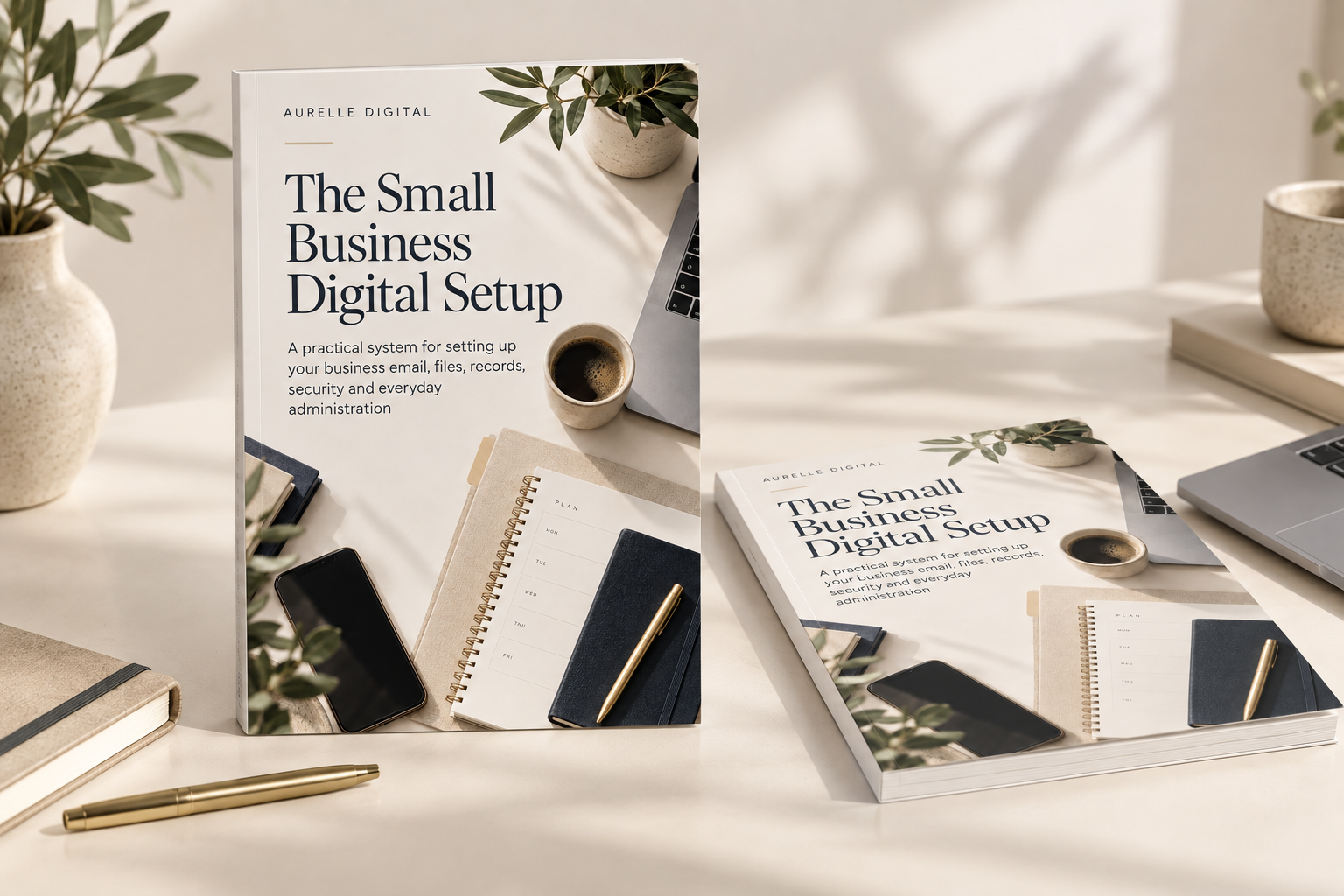
If you want the complete setup in one practical, guided resource, The Small Business Digital Setup walks you through email, accounts, files, records, security, backups, tools and maintenance routines. It is designed for solopreneurs and small-business owners who want an organised system without building one from scratch.
You can also explore the full Aurelle Digital library for solopreneurs.
Frequently asked questions
Do I need a separate email address for my small business?
A dedicated business address keeps client and supplier communication separate from personal email and makes the business easier to manage, secure and hand over. A domain-based address also presents a more professional identity.
How should a small business organise digital files?
Use a small number of top-level folders based on business functions, repeat the same subfolder structure for clients or projects and apply a consistent filename format. Keep current work easy to reach and move completed work into an archive.
Is cloud storage enough for a backup?
Not automatically. Synchronised files may also synchronise accidental deletions or unwanted changes. Check version history and recovery settings, keep another recoverable copy of essential information and test the restoration process.
Which business accounts should I secure first?
Start with business email, banking, domain registration, website administration, cloud storage and payment services. Use passkeys where available, or strong unique passwords with two-step verification.
Editorial sources
A good small-business digital setup makes the next action obvious — where to save a file, how to find a record, which account is authoritative and what happens each week.
This article introduces ideas explored fully in The Small Business Digital Setup.
Make technology easier to manage.
Get The Aurelle Letter every fortnight — practical advice on AI, small-business systems and everyday technology, without the noise.
Need help putting this into practice?
Aurelle Digital can research, write, optimise and publish search-focused content for your business.
Want help putting better systems into practice?
Join the Aurelle Business Systems Membership for practical monthly systems, templates, workflows and AI resources.
Still stuck? Ask Aurelle.
Get personalised, plain-English help with one defined technology question without needing to book a call. We review your issue and send tailored guidance within 2 working days.
Related articles
Running a small business can quickly turn into a collection of disconnected tools. A better starting point is to work out which digital tools your business genuinely needs, what each one is responsible for and how they should fit together.
Business files have a habit of spreading across Downloads, email attachments and desktops. Learn how to create a simple folder structure, consistent file names, client templates and practical filing routines.
Small-business admin gets messy when account details, finance records, subscriptions, customer information and recurring tasks live in different places. Here is a simple system for keeping the digital admin side of your business under control.