How to Start Using ChatGPT for Work: A Beginner’s Guide for South Africa
AI tools such as ChatGPT are becoming common at work, but many people aren’t sure what to use them for. Here is a practical beginner’s guide for everyday tasks, emails, drafts and organisation in South Africa.
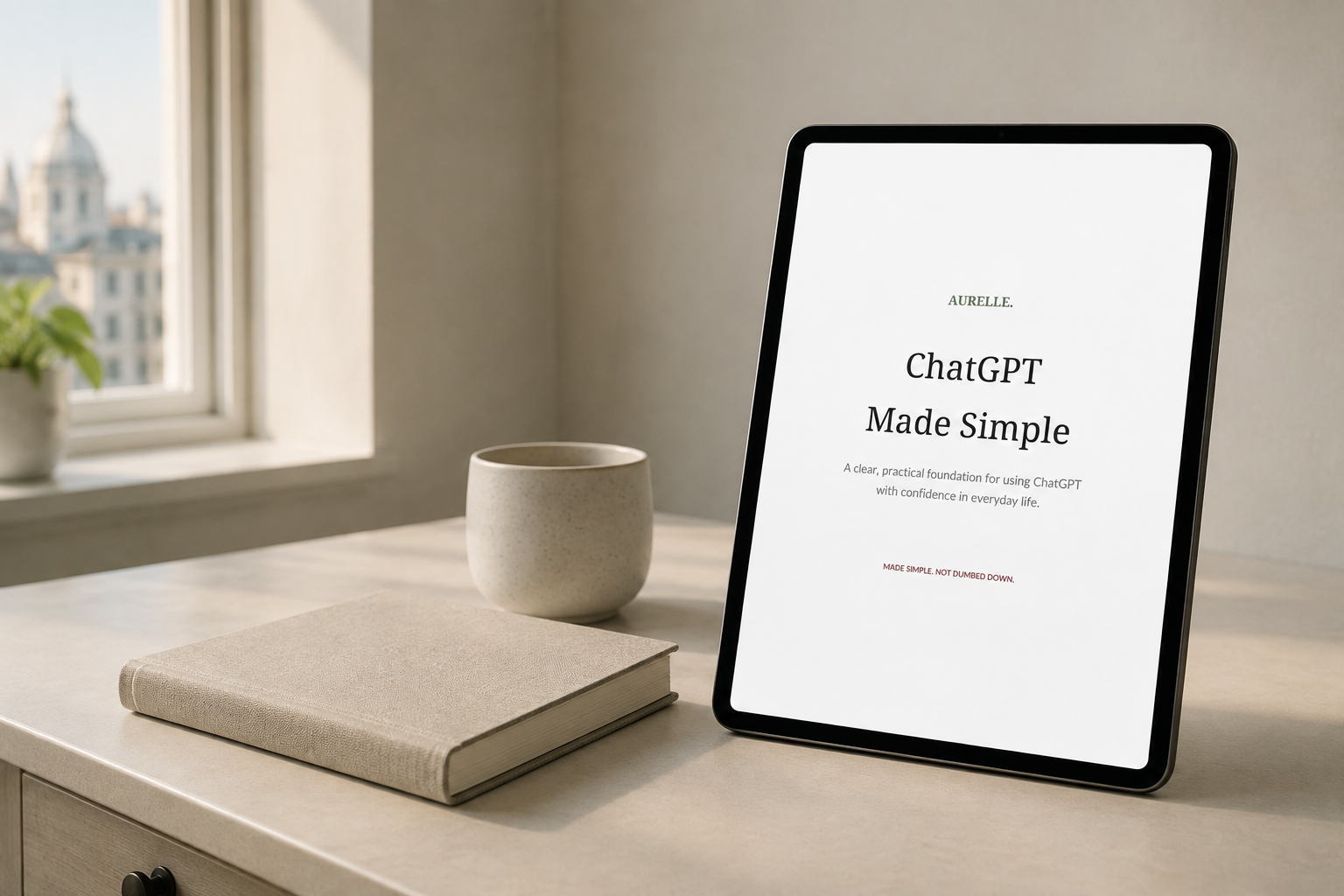
AI tools such as ChatGPT are becoming increasingly common at work, but many people still aren’t sure what they should actually use them for.
The good news is that you don’t need to understand coding or complicated technology to start using ChatGPT.
For most people, the best place to begin is with the everyday tasks you already do.
Here are some practical ways to get started.
1. Use ChatGPT to improve emails
You can use ChatGPT to help draft, shorten or improve emails.
For example, instead of spending time trying to find the right wording, you could ask:
“Rewrite this email so it sounds professional but friendly.”
You can then paste your draft underneath.
It is still important to read the final version carefully before sending it, particularly if the email contains confidential or sensitive information.
2. Turn rough notes into clearer writing
If you have ideas but struggle to organise them, ChatGPT can help turn rough notes into structured text.
You could use it for:
- Meeting notes
- Business descriptions
- Reports
- Proposals
- Social media posts
- Customer messages
Try giving ChatGPT your notes and asking:
“Organise these notes into a clear professional summary.”
The more context you give it, the more useful the response is likely to be.
3. Brainstorm ideas
ChatGPT can be helpful when you know what you need to do but aren’t sure where to start.
For example:
- “Give me 10 content ideas for a small catering business.”
- “Suggest ways I could promote my bookkeeping service.”
- “Give me five ideas for improving customer follow-up.”
You don’t have to use every suggestion. Think of ChatGPT as a starting point for your own thinking.
4. Create first drafts
One of the easiest ways to save time with AI is to use it for first drafts.
You might ask ChatGPT to draft:
- An email
- A customer response
- A proposal outline
- A presentation structure
- A social media post
- A simple business plan section
The important word here is draft.
AI works best when you review, personalise and improve what it gives you.
5. Simplify difficult information
ChatGPT can also explain complicated information in clearer language.
For example:
- “Explain this in simple English.”
- “Summarise this into five key points.”
- “Explain this as if I am completely new to the subject.”
This can be useful when you are reading something unfamiliar or trying to understand a new topic.
6. Help organise your workload
You can use ChatGPT to help organise tasks and priorities.
For example:
“I have these eight tasks to complete today. Help me put them in a sensible order.”
Or:
“Turn this list into a simple weekly work plan.”
It won’t know everything about your situation, so you should always adjust the result to suit your actual workload.
7. Improve your prompts
A prompt is simply the instruction you give ChatGPT.
Very short prompts often produce vague answers.
Instead of asking:
“Write an email.”
Try:
“Write a friendly but professional email to a customer confirming their appointment for Friday. Keep it under 150 words.”
A useful prompt usually includes:
- What you want ChatGPT to do
- Who the result is for
- Relevant background information
- The tone you want
- Any limits or requirements
You don’t need to become an AI expert
The aim is not to learn everything about artificial intelligence.
For most people, the useful skill is knowing how to use AI safely and practically for tasks they already perform.
Start with one or two simple uses and build from there.
The more you practise giving clear instructions, reviewing the answers and refining your prompts, the more useful tools such as ChatGPT can become.
Want practical help getting started?
Aurelle Digital offers beginner-friendly live online AI training for people in South Africa who want to use ChatGPT more confidently for work, business and everyday tasks.
The training focuses on practical examples rather than technical theory.
Live Beginner AI Workshop — £49 introductory price
Learn more about AI training for South Africa
Aurelle Digital also offers private 1-to-1 AI training for learners who prefer personalised support.
Made simple. Not dumbed down.
You don’t need to become an AI expert. Start with everyday tasks—improving emails, structuring notes, first drafts and clearer prompts. Keep your judgement, review the output, and build your confidence step by step.
This article introduces ideas explored fully in Get More Done With ChatGPT at Work.
A quiet note, once a month
Related articles
ChatGPT can look deceptively simple. If you're new to AI, these seven principles will give you a better starting point — from asking specific questions to checking unreliable answers.
Getting vague or generic answers from ChatGPT? Here is why AI answers often miss the mark — and seven simple ways to ask clearer questions, add useful context and get more helpful responses.
Running a business by yourself means constantly switching roles. Here is how a tool like ChatGPT can act as an extra pair of hands for thinking, writing, organising and research.