
Tame Your Gmail
Your Gmail inbox is overwhelming and you can never find the message you need. A calm, practical system for processing email, finding messages and keeping Gmail under control.

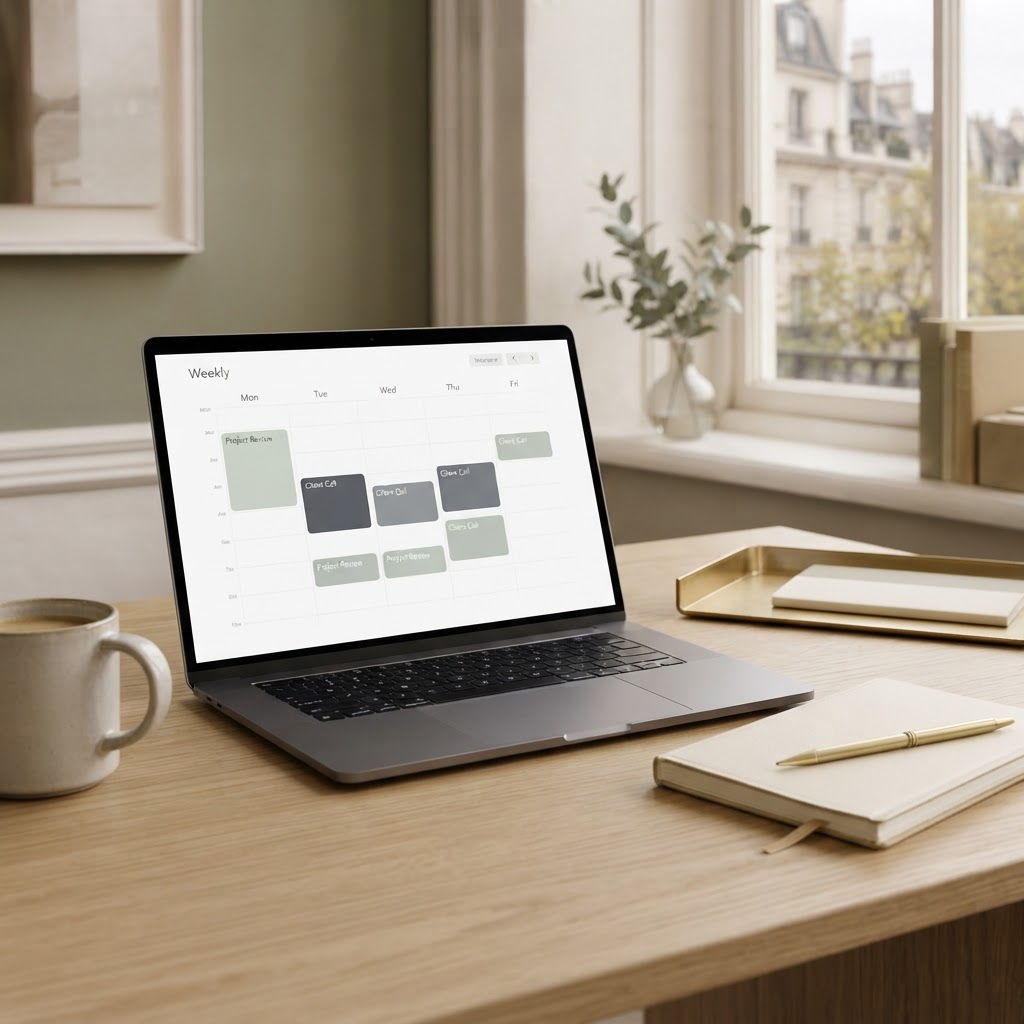
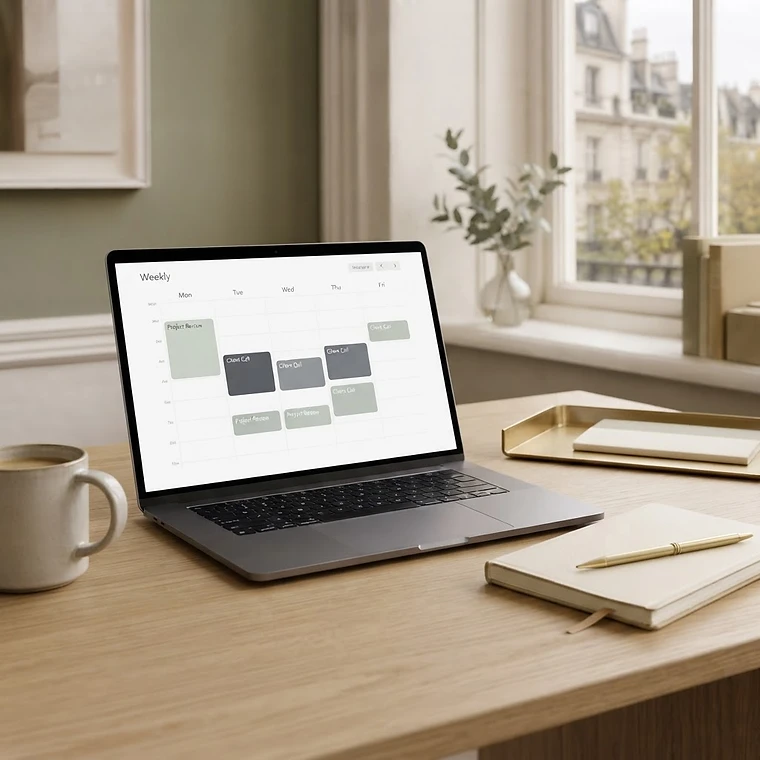
Manage events, recurring responsibilities, reminders and shared calendars without the stress.
First Edition / 2026
PDF · 32 pages · Immediate secure download via customer library after purchase. · Personal use. Single-user licence.
Secure checkout via Stripe
Instant access after payment · Secure customer library · Personal-use licence
The problem. Your calendar is full of events, recurring commitments and shared schedules, but it's not helping you plan — it's just another source of scheduling stress and duplicate reminders.
The promise. This guide shows you how to set up a calmer, more reliable Google Calendar that records real commitments and coordinates cleanly with others.
After working through the guide, you'll be able to:

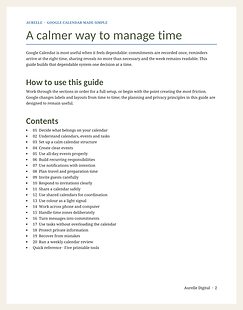
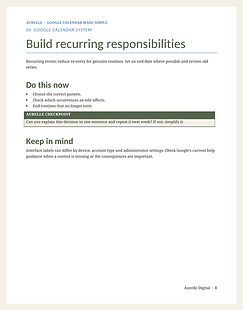
A practical guide to getting a grip on Google Calendar. It covers deciding what belongs on the calendar, setting up a calm structure, creating clear events, building recurring responsibilities correctly, using notifications with intention and sharing calendars safely — with a short weekly review to confirm commitments and remove stale events.


Complimentary five-page sample including the opening principles and two complete sections: deciding what belongs on your calendar and responding to invitations clearly.
Anyone who uses Google Calendar personally or professionally and wants a calmer, more reliable system for recording commitments and coordinating with others.
Readers seeking Google Workspace administration, domain calendar management, or advanced API/automation integrations — this guide focuses on practical personal calendar habits.
Requirements: Readable on any device. Printable tools designed for A4 or US Letter.
Updates: Free updates to the same edition.
Yes. The guide covers Calendar principles that apply to both personal Google accounts and Workspace accounts. Some interface labels differ in Workspace; the guide notes where to check Google's current help guidance.
No. Work through it in order for a full setup, or turn to the section causing the most friction. The quick reference card summarises the five key habits at a glance.
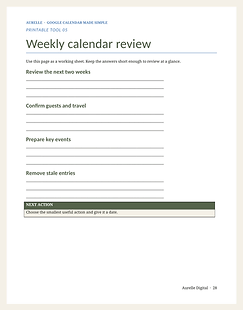
Calendar purpose map, recurring responsibility planner, event detail checklist, shared calendar access review, and weekly calendar review. Each is a single working sheet designed to be printed and filled in.
Yes. Section 15 explains how to confirm which time zone an event uses, how to display a second time zone in the sidebar, and what to check when travel plans change.
The guide covers planning and privacy principles that remain stable across Calendar versions. It notes that interface labels change occasionally and recommends checking Google's current guidance when a specific control is missing.
No. Aurelle Digital is an independent publisher. This guide is not affiliated with or endorsed by Google LLC.
Events, recurring responsibilities and shared calendars are creating scheduling stress. A practical guide to managing events, recurring responsibilities, reminders and shared calendars calmly.
32-page digital guide
Instant customer-library access
Secure checkout via Stripe · Immediate access after payment
If you are struggling with a specific setup on your phone, computer, Google account or AI tool, get personalised, plain-English help with one defined question — without needing to book a call.

Your Gmail inbox is overwhelming and you can never find the message you need. A calm, practical system for processing email, finding messages and keeping Gmail under control.

Your Drive is a mess and you can't find or share files reliably. A calm, practical system for storing, organising, finding and sharing files in Google Drive.
We use strictly necessary cookies for basket, checkout and account. We only load Google Analytics if you allow it. See our Cookie Policy.